Core Gameplay Loop
Box Toss Duel centers on a straightforward yet engaging premise: two players face off on the same screen, each trying to land a box on the other. The action unfolds in a single arena, with each round starting fresh. Players control the power of their throw by holding a designated key—the longer the hold, the stronger the toss. Releasing the key sends the box flying. The challenge comes from a wind indicator that shifts between rounds, altering the box's trajectory. This simple mechanic creates a fun back-and-forth where each throw feels different.
Local Multiplayer Design
Designed exclusively for two players on the same device, Box Toss Duel encourages face-to-face competition. Player 1 uses the 'E' key to power up throws, while Player 2 uses the 'O' key. This split-key setup means no extra controllers are needed—just a keyboard and a friend. The game works on both desktop and mobile browsers, so you can play on a laptop, tablet, or phone. Quick rounds keep the pace lively, making it easy to fit in a few matches during a break.
Wind-Based Strategy
The wind indicator is the game's defining strategic element. Before each throw, a visual cue shows the current wind direction and strength. A strong headwind will push the box back, while a tailwind adds extra distance. Crosswinds cause the box to curve left or right. Players must adjust their power and aim accordingly, adding a layer of prediction and adaptation. This system prevents the game from becoming purely about timing—success requires reading the environment and reacting to changing conditions.
Visual and Audio Presentation
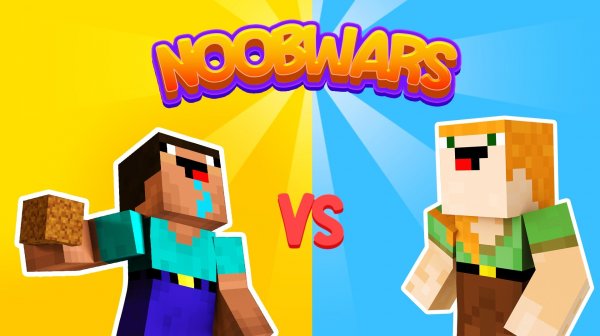
The game features a clean, colorful art style that keeps the focus on the action. Characters are simple but distinct, and the box itself has a bouncy, playful animation when it hits a target or misses. Sound effects provide clear feedback for throws, impacts, and wind changes. The overall presentation is lighthearted, matching the casual tone of the gameplay. No distracting elements clutter the screen, so players can concentrate on their aim and strategy.
Accessibility and Controls
Box Toss Duel uses minimal controls, making it accessible to players of all ages and skill levels. On desktop, the mouse is used for menu navigation—clicking buttons to start a new round or adjust settings. The keyboard controls are limited to two keys per player, so even young children or those unfamiliar with complex gamepads can join in. The mobile browser version adapts the interface for touch, ensuring a smooth experience on phones and tablets without requiring a physical keyboard.








Comments
0 comments